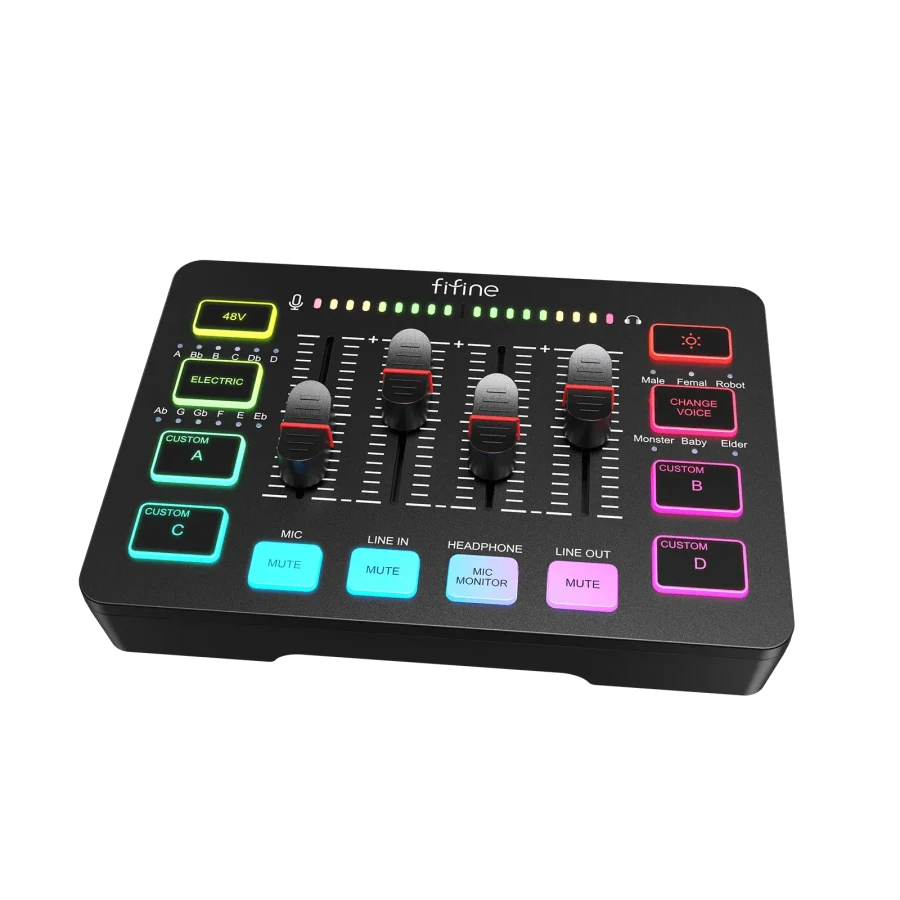
Fifine SC3 (Black)
A USB interface and mixer with one XLR input, 48 V, four faders and direct monitoring, with no driver to install.
Our verdict
The cheapest way to plug an XLR microphone into a computer with no driver, real direct monitoring and four volume controls within reach. The main flaw is the headphone output: 15 mW into 32 Ω, enough for a desk headset, not for a high-impedance model — and conversion stops at 16-bit / 48 kHz. If you are coming from a Fifine AM8 over USB, do not expect the SC3 to improve the sound: two tests say otherwise.
What the community says
Two published tests more than a year apart describe the same box. MyChooz (Maksym Trykolych, 6 February 2024) lists the figures: 50 dB of microphone gain, 16-bit / 44.1–48 kHz conversion, 15 mW into 32 Ω on the headphone output, 290 g, no driver to install. Dave Soltura (22 October 2025) confirms the driverless setup and the plastic build quality, but notes that his unit was supplied by Fifine ⚠️. Both agree on the essentials: the four faders and their mutes make level setting immediate, and the SC3 behaves like a decent entry-level interface. They also agree on the limits: MyChooz notes that high-impedance headphones do not sound full and that the headphone fader has some play, while Dave Soltura notes that the custom sound buttons lose quality and have to be re-recorded at every boot. On Amazon the SC3 holds 4.4/5 from 910 ratings as of 16 November 2026.
DL« An honest entry-level interface for moving to XLR, provided you stay with headphones that are easy to drive. »
Quick specs
Available versions
The choice of version (capacity, colour…) is made directly on Amazon.
Strengths
- A combo XLR / jack input with 48 V and a dynamic / condenser switch: any microphone, condensers included, plugs in with no other box.
- Four faders with individual mute and direct monitoring from microphone to headphones, where many entry-level interfaces offer a single button.
- No driver to install on Windows or macOS: plug it in, pick it in the software, it works.
Limitations
- The headphone output (15 mW into 32 Ω) cannot drive high-impedance headphones, which then sound thin (MyChooz).
- Conversion tops out at 16-bit / 44.1–48 kHz: enough for speech, behind a studio interface.
- Sounds recorded onto the custom buttons are not kept when powered off and lose quality (Dave Soltura).
Who it's for
- +Moving from a USB microphone to an XLR one
- +Solo podcasting and streaming with controls at hand
- +A first recording setup with no driver
Skip it if
- -High-impedance headphones (250 Ω and above)
- -Multitrack or studio recording
- -Improving the sound of an AM8 already used over USB
Ready to buy?
See price on AmazonAs an Amazon Associate, DigitalLists earns from qualifying purchases. Displayed prices are indicative and may vary.
What to buy as well
The complementary products to get the most out of Fifine SC3 (Black) from day one.
 Microphones
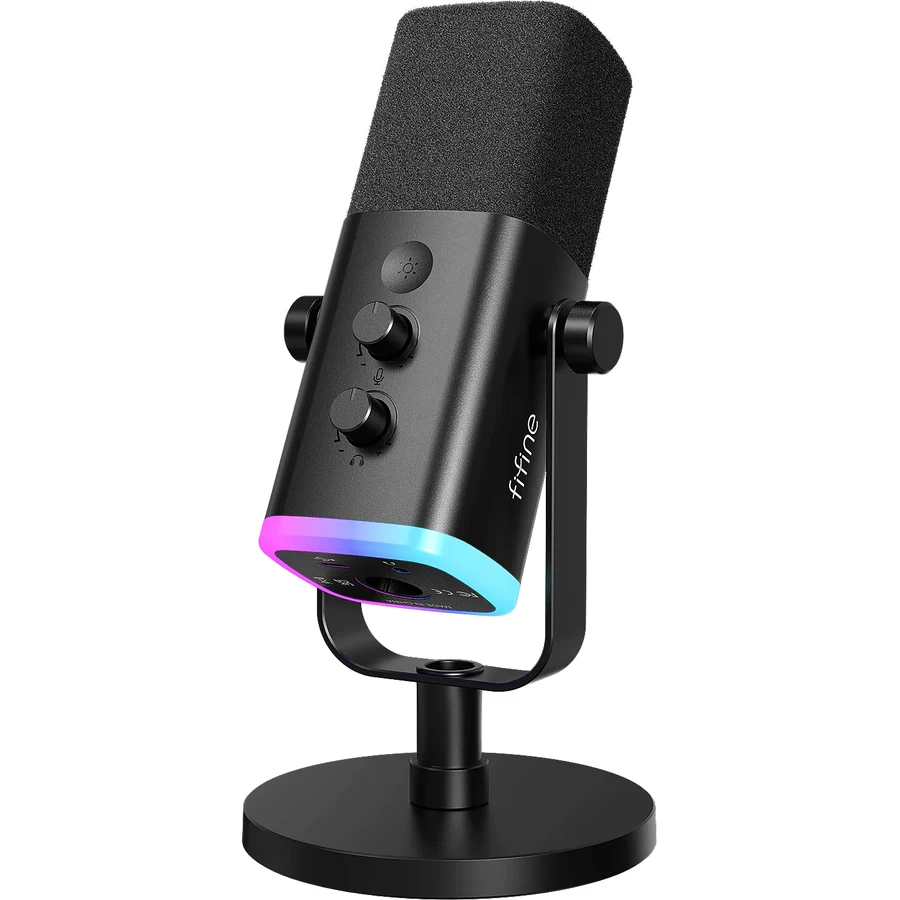
Fifine AM8 (Black)
A dynamic microphone with both USB and XLR output, to start without an audio interface.
 Headphones
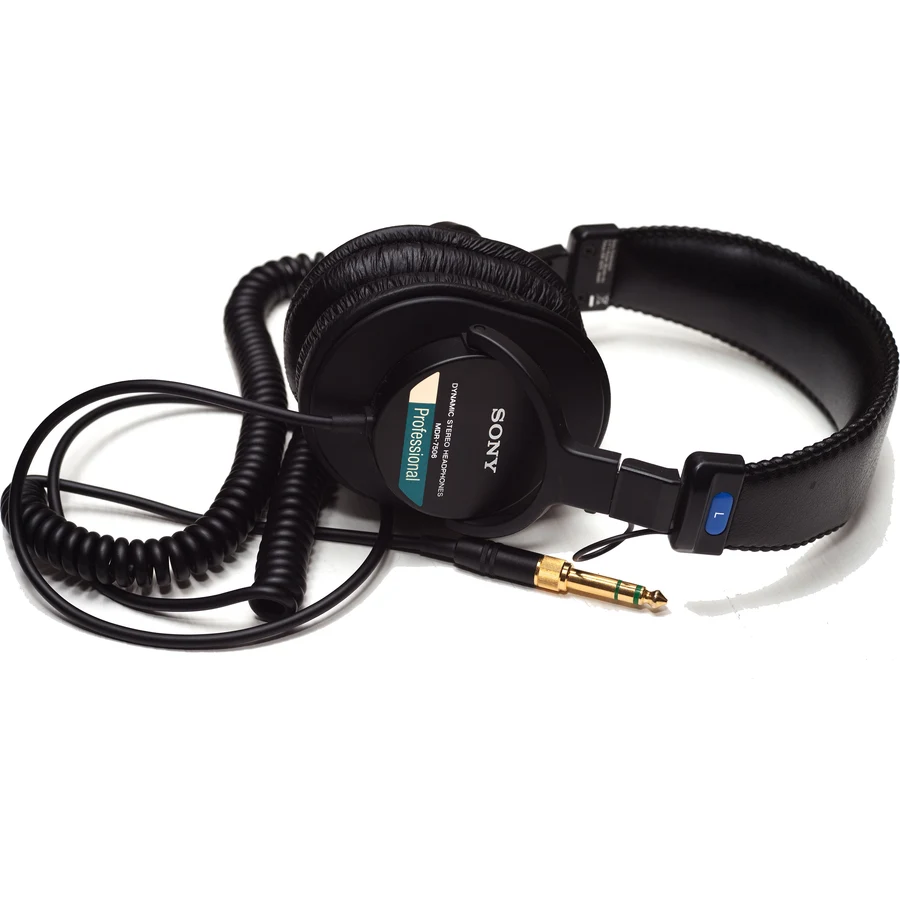
Sony MDR-7506
Closed-back, foldable studio headphones to hear yourself while recording.
As an Amazon Associate, DigitalLists earns from qualifying purchases.
The software that goes with this gear
What the community uses to get the most out of Fifine SC3 (Black): each tile leads to its own review.