
Descript — Review
Descript is the video and audio editor that works like a simple text document. Built for creators who want to move fast without mastering a complex timeline.
Our verdict
Editing by text becomes concrete here: you cut a video or a podcast by correcting its transcript.
Quick specs
Strengths
- Text-based editing: cutting text cuts the video
- Silences and filler words removed in one click
- Automatic audio enhancement (Studio Sound), no pro gear needed
- AI voice cloning to fix a take without re-recording (Overdub)
Limitations
- Classic timeline still a little rigid compared to Premiere Pro
- RAM-hungry on long video projects
- Advanced grading features very limited
- Public reviews: stability, AI credits and cancellation often criticised (see below)
Who it's for
- +Podcast creators looking to save time in the edit
- +Marketers chopping webinars into Shorts/Reels
- +Talking-head educational content creators
Skip it if
- -Fiction/cinema editors who need advanced colour grading
- -Creators of complex visual effects (VFX)
Key features
- →Text-based editing (like Word or Notion)
- →Automatic removal of silences and filler words
- →Overdub: AI voice cloning to fix a mistake without re-recording
- →Studio Sound: instant studio-quality audio cleanup
What users say
- Trustpilot2.6 / 5290reviews · collectedOctober 2026
Often praised
- +Interface seen as simple for basic editing tasks
- +Support appreciated by part of the users
- +Works fine for basic video creation
Often criticised
- −Bugs, crashes and lag reported while editing
- −AI credits used up quickly, sometimes without a usable result
- −Cancellation and refunds described as difficult
- −Support seen as slow, often limited to automated replies
A reworded summary of public reviews, collected on the date shown. We have not tested this product ourselves. Online reviews over-represent billing disputes: read them as a signal, not a verdict.
Recommended gear for this software
The physical gear that complements Descript in a real creative workflow.
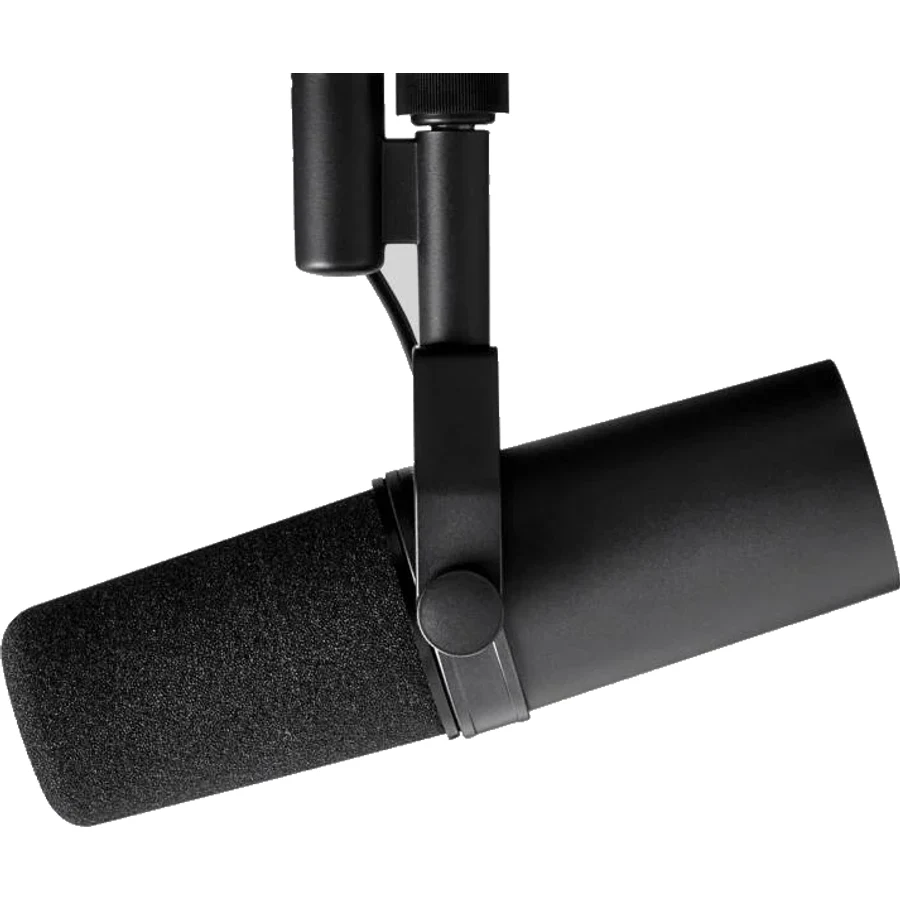
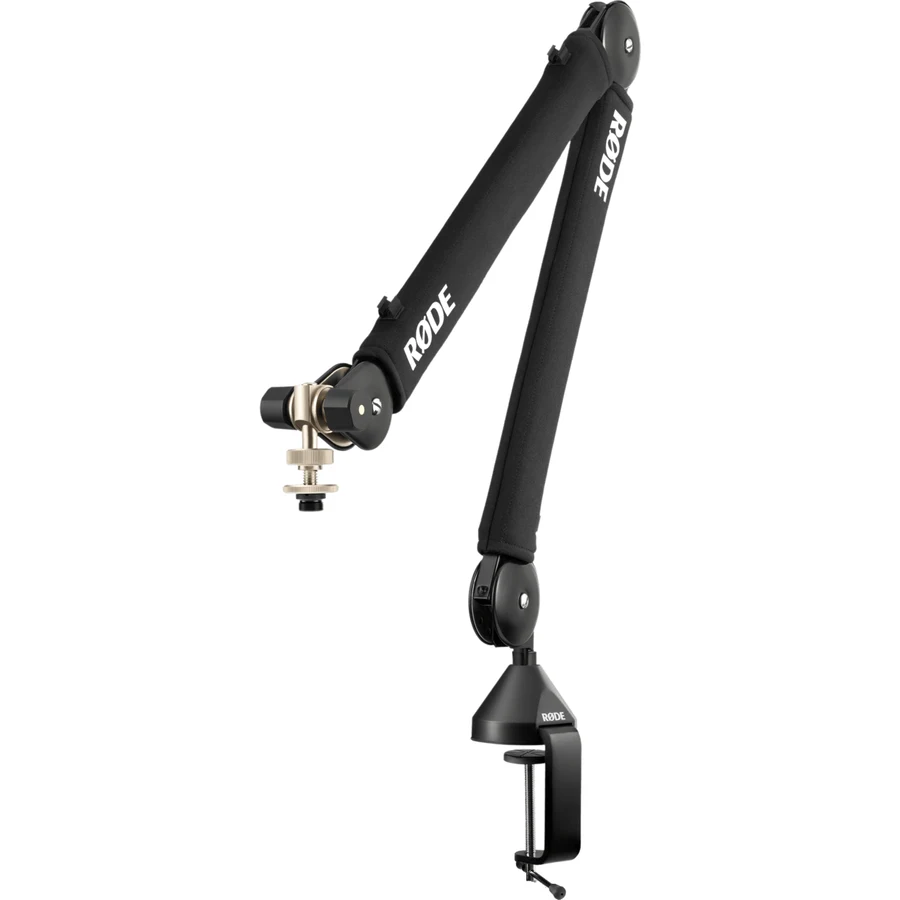 Studio Accessories
Rode PSA1+
The premium articulating microphone boom arm.
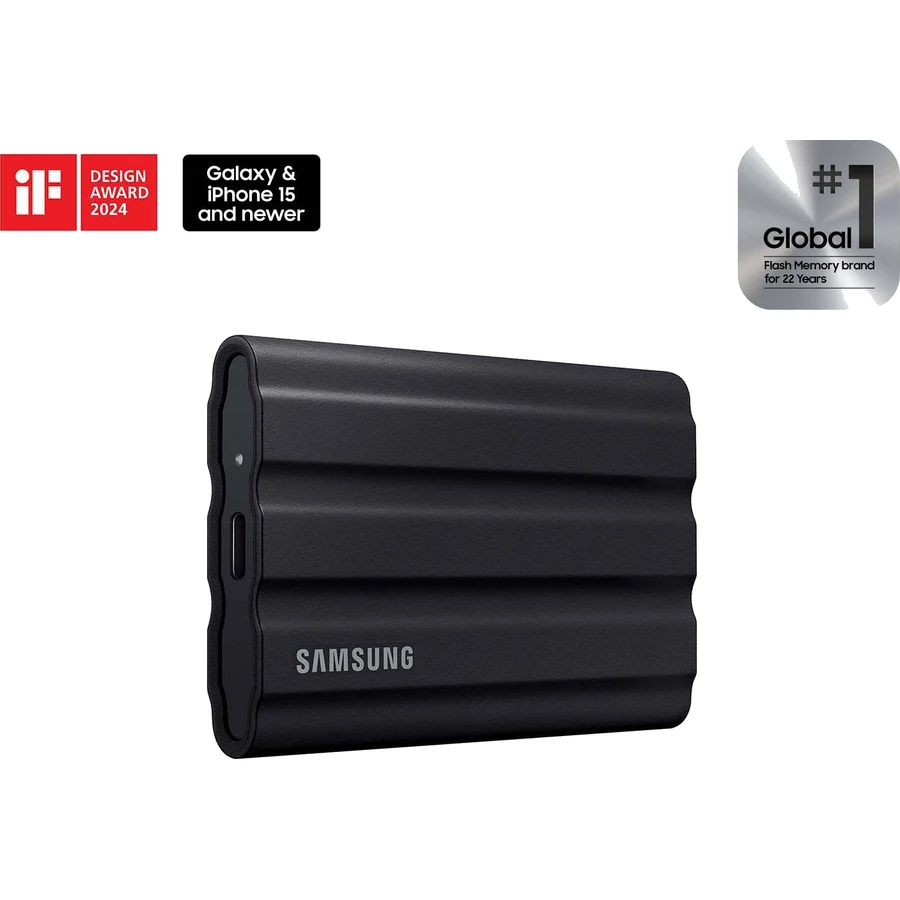
As an Amazon Associate, DigitalLists earns from qualifying purchases.
Pricing
Free
Perfect for trying the interface and basic features.
- 1h of transcription/month
- 720p video export (with watermark)
- Free trial of the AI voices (Overdub)
- Only 1 active project
Creator
Ideal for solopreneurs and regular podcasters.
- 10h of transcription/month
- 4K export with no watermark
- Studio Sound (audio cleanup)
- Basic AI generation (Underlord)
Pro
For professionals and intensive creators.
- 30h of transcription/month
- Unlimited Overdub (cloned AI voices)
- Unlimited AI features (Underlord)
- Full automatic removal of filler words
Prices are indicative (last updated 2026) and may change. Always check the exact price on the official site.
Frequently asked questions
Does Descript have a free plan?
Yes, Descript offers a permanent free plan. It lets you transcribe 1h of audio per month and export at 720p (with a small watermark). It's ideal for trying the platform.
Does Descript work on Windows?
Yes, Descript is available on Mac, Windows and as a web version in the browser. The desktop app is recommended for large projects.
What is the difference between Descript and Premiere Pro?
Descript is optimized for fast editing of spoken content (podcasts, interviews, talking-head) via a text-based interface. Premiere Pro is a complete professional editing tool, indispensable for fiction, music videos and projects needing advanced visual effects.
Is the Overdub feature realistic?
Overdub's quality depends on the quality of your initial training recording. For fixing a few words or sentences in a similar context, the result is convincing. For entire passages or very different intonations, artefacts can appear.
Alternatives
If you edit fiction, music videos, or need keyframes and advanced visual effects.
If you only need to generate realistic AI voices without editing the video around them.