
Canva Pro — Review
The reference online graphic design tool. Ideal for creating social media visuals, presentations and logos in a few clicks.
Updated : October 2026Analysis byL'équipe DigitalListsLevel : BeginnerFree plan available
Our verdict
Essential. Canva Pro democratized design, and its new AI tools (Magic Studio) are widening the gap with competitors.
Quick specs
Starting price€11.99/month
Trial (Pro)30 days (Pro)
Free planYes
Platforms
WebMacWindowsiOSAndroid
SupportEmail & Help Centre
Strengths
- Extremely easy to use (intuitive drag and drop)
- Huge library of templates, fonts and royalty-free photos
- The AI 'Magic Studio' (Generation, Eraser, one-click Resize)
Limitations
- Doesn't handle complex vector paths well (pro logos)
- The free version has become very limited (watermarks)
- Designs sometimes have a 'seen it before' feel
Who it's for
- +Content creators and community managers
- +Small and medium businesses
- +Anyone with no Photoshop training
Skip it if
- -Pro designers needing complex vector work (Illustrator)
Key features
- →Magic Studio (AI image and text generation)
- →Instant background removal
- →Brand kit (centralize your logos and colours)
Recommended gear for this software
The physical gear that complements Canva Pro in a real creative workflow.
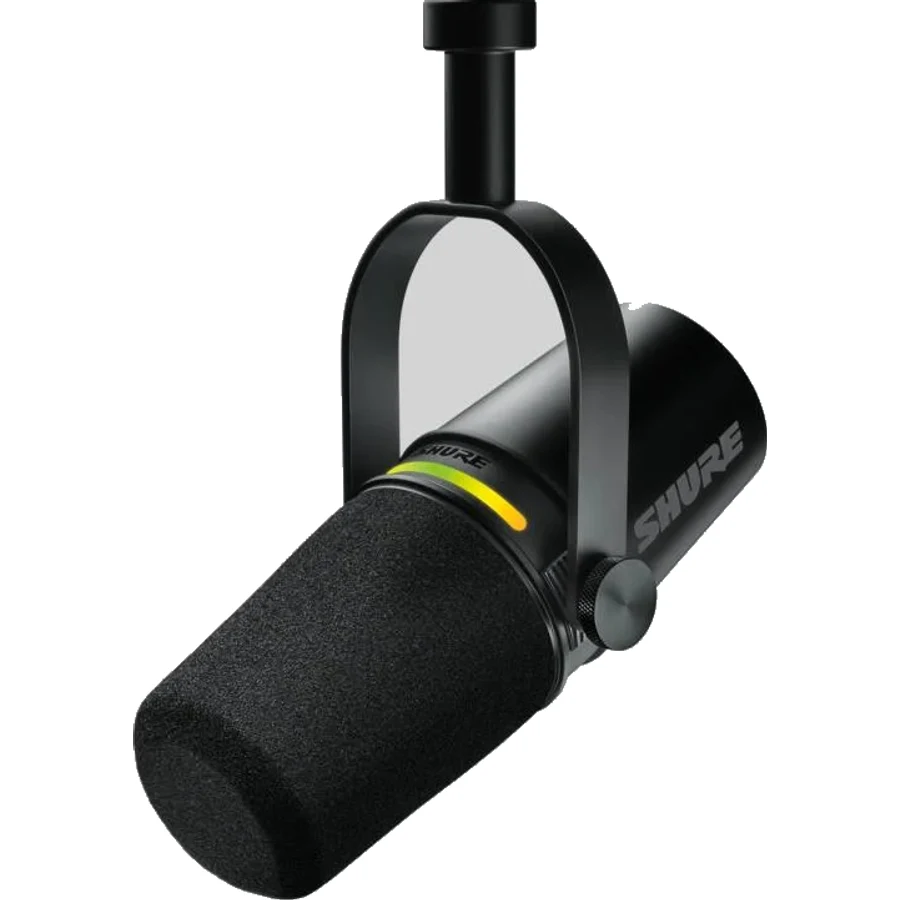 Microphones
Shure MV7+ (Noir)
The ultimate hybrid USB/XLR microphone for podcasters.
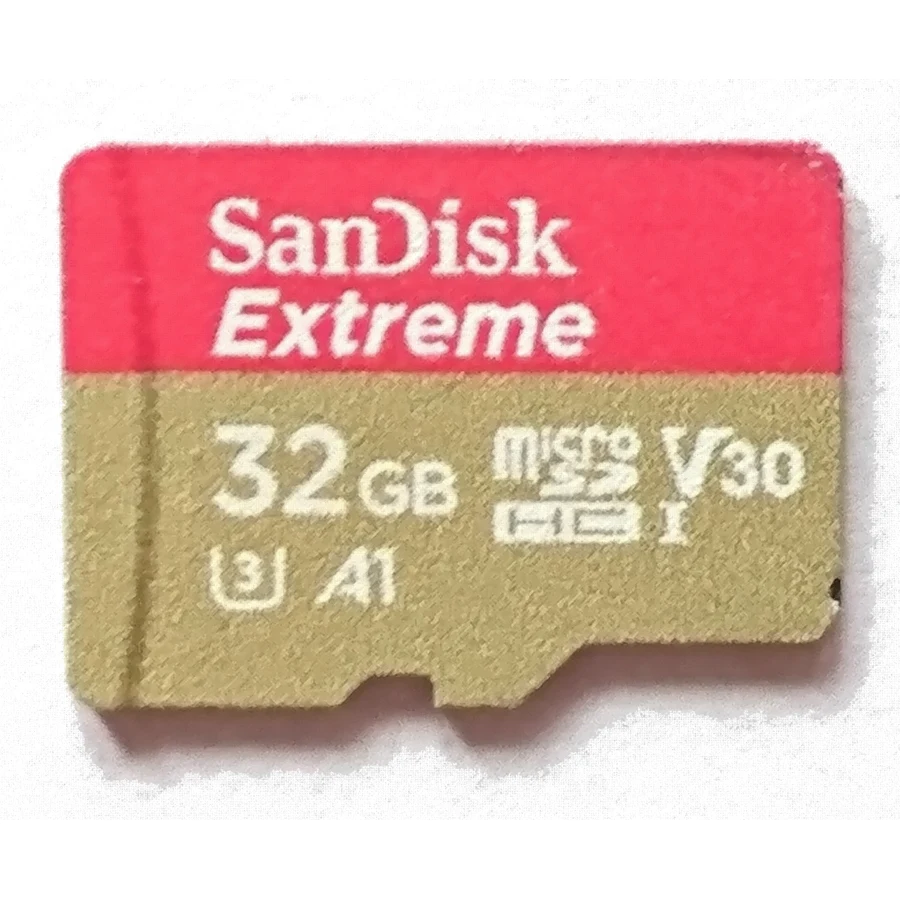 Storage
SanDisk Extreme PRO microSDXC (128 Go)
MicroSDXC UHS-I card (V30/U3 class).
As an Amazon Associate, DigitalLists earns from qualifying purchases.
Pricing
Popular
Canva Pro
For serious creators.
11,99€/month
- AI tools (Magic Studio)
- Magic resize
- 1 TB of storage
- Brand kit
Prices are indicative (last updated 2026) and may change. Always check the exact price on the official site.